Blogs

Employee Onboarding Security Checklist for Small Businesses

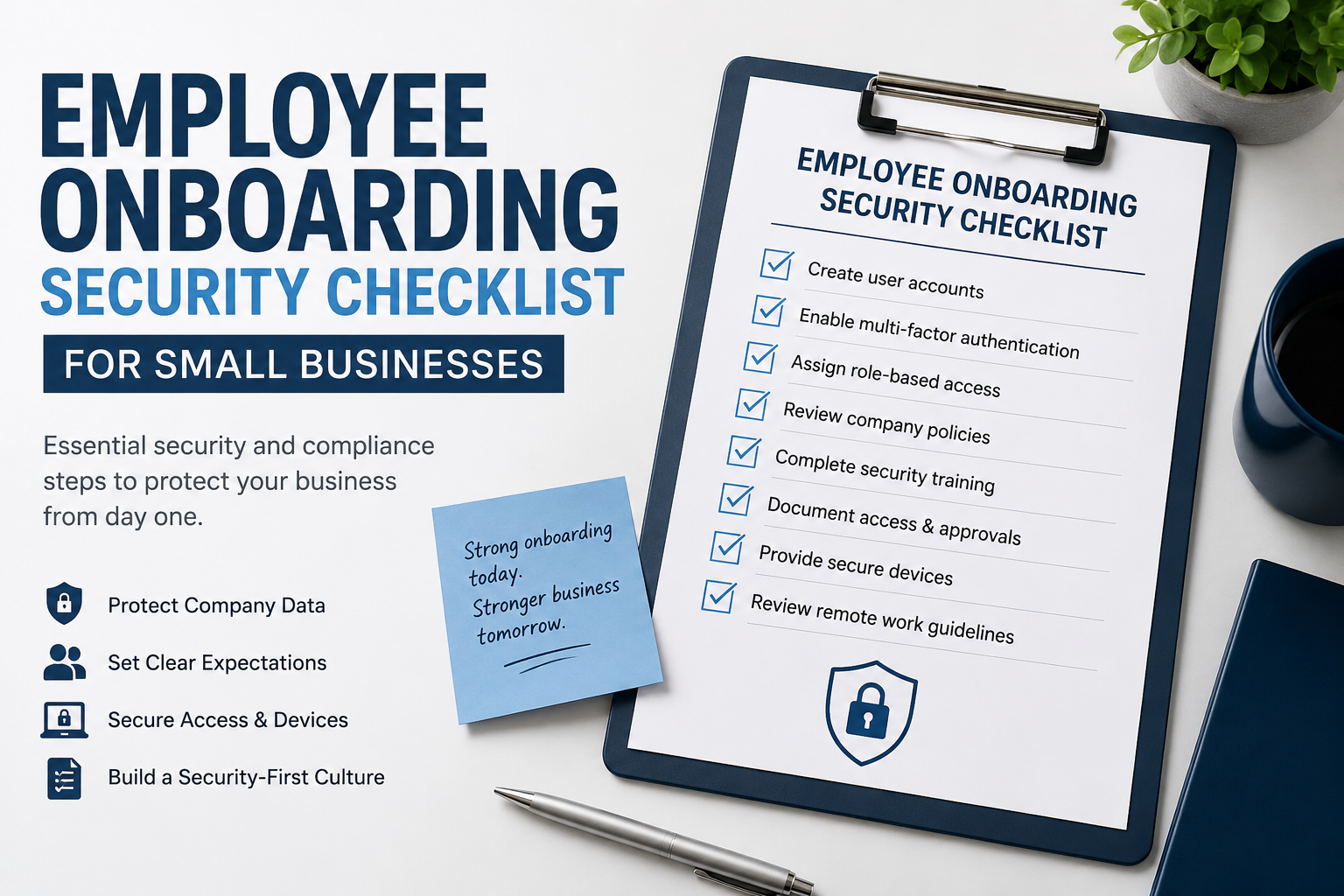
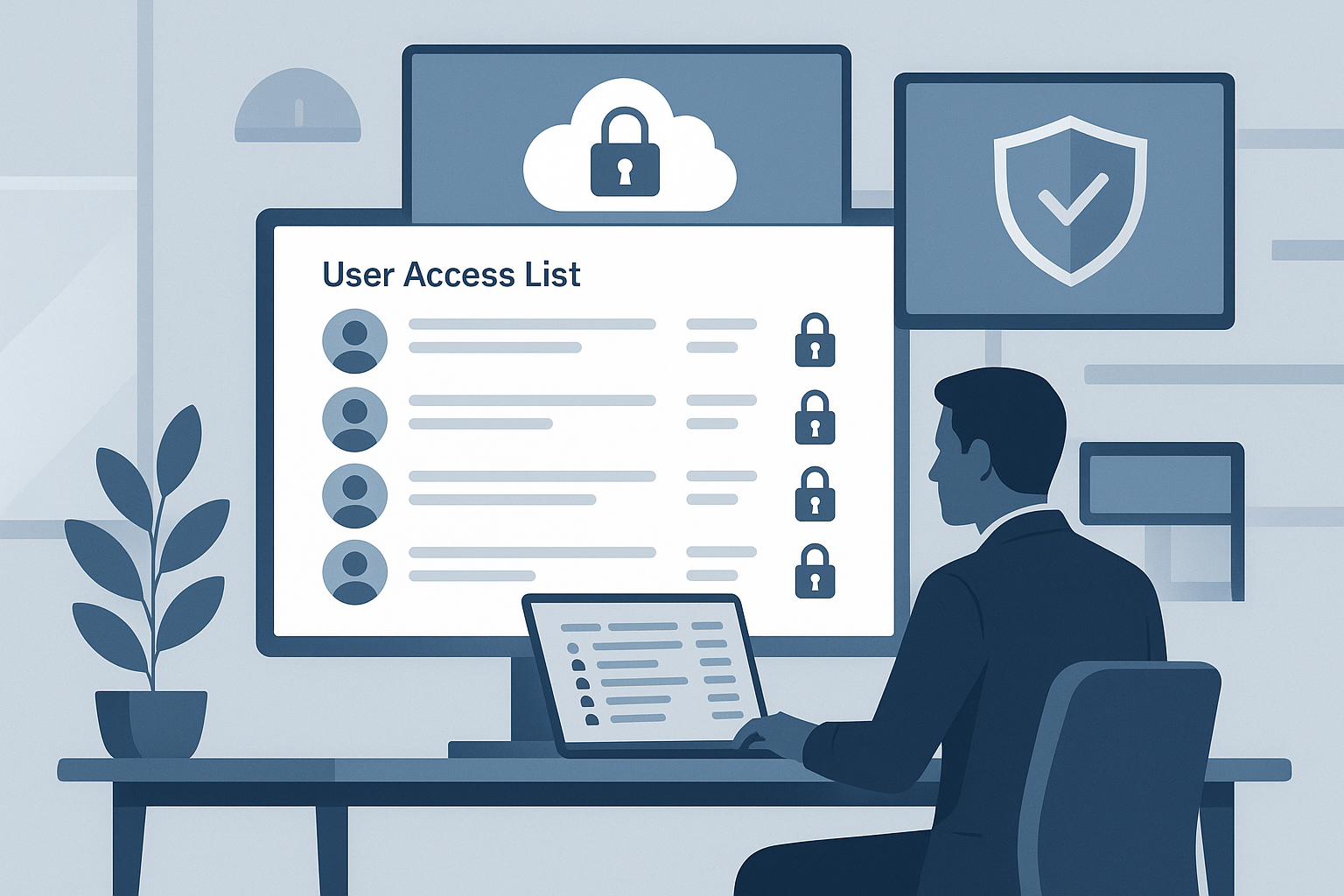
Employee onboarding security checklist for small businesses showing cybersecurity onboarding tasks, MFA setup, employee access management, and security awareness training.
A practical employee onboarding security checklist for small businesses covering MFA, cybersecurity training, employee access management, and onboarding best practices.

Share Everywhere:

Reading Time: 5 minutes

Hiring a new employee is exciting. Whether it is your first hire or you are growing your team, onboarding usually focuses on the obvious things.

You need to:

  • set up payroll
  • give them access to systems
  • introduce them to the team
  • get them productive quickly

But there is another part of onboarding that small businesses often overlook.

New employees may not know your security expectations yet.

This is especially true for:

  • new grads
  • junior employees
  • first-time remote workers
  • employees coming from less structured environments

For example, a new employee may not realize they should:

  • lock their laptop when stepping away
  • avoid forwarding work files to personal email accounts
  • recognize phishing emails
  • avoid storing passwords in notes apps
  • avoid uploading company information into unapproved AI tools

These things may seem obvious to someone who has worked in banking, tech, or a regulated industry.

They are not always obvious to someone early in their career.

That is why onboarding matters.

Good onboarding is not just about paperwork. It is about setting expectations clearly from day one.

Why Employee Onboarding Security Matters

Small businesses are busy. It is easy to focus only on getting employees working as quickly as possible.

The problem is that unclear expectations create unnecessary risk.

A simple onboarding process helps protect:

  • company information
  • customer data
  • employee accounts
  • business systems
  • client relationships

It also creates consistency as your company grows.

Many startups and small businesses struggle with balancing growth and security processes early on. That challenge becomes more noticeable as companies hire more employees, adopt more software, and begin working with larger customers.

Related: Top 5 Compliance Challenges for Tech Startups and How to Overcome Them

The good news is that this does not need to be complicated.

Even a simple checklist and a few clear policies can make a major difference.

Quick New Employee Security Checklist

Before a new employee starts, make sure you:

  • Create individual user accounts
  • Enable multi-factor authentication (MFA)
  • Assign access based on the employee’s role
  • Review the Code of Conduct
  • Review the Acceptable Use Policy
  • Complete basic cybersecurity awareness training
  • Document what systems the employee received access to
  • Confirm who approved the access
  • Explain laptop locking and password expectations
  • Review remote work expectations, if applicable

This is a simple starting point. It does not need to be perfect. It just needs to be consistent.

Want the Full Checklist?

The quick checklist above is a good starting point.

For a more complete version, download the full New Employee Security and Compliance Checklist for Small Businesses.

It includes:

  • onboarding approval tracker
  • employee access tracker
  • policy acknowledgement log
  • security training tracker
  • device assignment checklist
  • SaaS application checklist
  • offboarding checklist
  • manager sign-off section

1. Have Employees Review Basic Policies

Every business should have employees review key policies during onboarding.

At minimum, consider:

  • Code of Conduct
  • Acceptable Use Policy
  • Confidentiality Agreement
  • Remote Work Policy
  • Password and MFA expectations

These documents do not need to be overly formal or complicated.

The goal is simply to make expectations clear.

Many employees are never explicitly taught what is acceptable in a professional environment. Policies help create that shared understanding.

As businesses grow, having a clear process for policy management becomes increasingly important for consistency and governance.

Related: Why Policy Management Matters for SOC 2 and Good Governance

2. Enable Multi-Factor Authentication Right Away

If your business uses:

  • Microsoft 365
  • Google Workspace
  • payroll software
  • accounting software
  • CRM systems
  • password managers

then MFA should be enabled immediately.

Passwords alone are no longer enough to protect business systems.

For small businesses, MFA is one of the easiest and highest-impact cybersecurity improvements you can make.

3. Give Employees Access Based on Their Role

One common mistake is giving employees access to everything because it is faster.

A better approach is to give employees only the access they need to do their job.

For example:

  • marketing employees may not need accounting access
  • contractors may not need administrative permissions
  • junior employees may not need access to sensitive customer data

This is often called role-based access.

The concept is simple:

access should match the job.

Reviewing privileged access becomes increasingly important as companies grow and add more systems and employees.

Related: Why Privileged Access Reviews Matter and How They Help You Get SOC 2 Ready

4. Document What Access Was Granted

Small businesses often grant access informally.

Someone sends a message, an account gets created, and everyone moves on.

The problem comes later when nobody remembers:

  • who approved the access
  • what systems the employee received
  • when access was granted

You do not need expensive software to fix this.

A simple spreadsheet or onboarding checklist can track:

  • employee name
  • systems assigned
  • permission level
  • approval date
  • manager approval

This becomes very useful when:

  • employees change roles
  • employees leave the company
  • customers ask security questions
  • your business pursues SOC 2 compliance later

Documenting employee access also makes offboarding much easier because you already know what systems the employee had access to.

5. Provide Basic Cybersecurity Awareness Training

Do not assume new employees already know cybersecurity basics.

A short onboarding discussion should cover:

  • phishing emails
  • password security
  • MFA usage
  • locking devices when away
  • handling customer information securely
  • safe use of public Wi-Fi
  • reporting suspicious activity

This does not need to be a long training course.

Even a 15 to 30 minute discussion during onboarding is far better than assuming employees already know what to do.

The goal is to create awareness early and establish clear expectations.

6. Do Not Forget About Offboarding

Good onboarding and good offboarding work together.

When an employee leaves, your business should have a process to:

  • disable accounts
  • remove access to applications
  • collect company devices
  • review shared credentials
  • document when access was removed

Former employee accounts are a common security risk for growing businesses.

Having a documented onboarding process also makes offboarding much easier because you already know what access the employee had.

Common Employee Onboarding Mistakes Small Businesses Make

Assuming Employees Already Know the Rules

Many employees do not know your expectations unless you explain them clearly.

Giving Too Much Access

Access should be based on role, not convenience.

Using Shared Accounts

Individual accounts improve accountability and make access easier to manage.

Delaying Security Training

Security awareness should start during onboarding, not months later.

Forgetting to Document Access

If access is not documented when granted, it becomes harder to review or remove later.

Final Thoughts

You do not need an enterprise-sized compliance program to improve employee onboarding security.

Start with the basics:

  • use a checklist
  • review key policies
  • enable MFA
  • document access
  • provide basic cybersecurity training
  • remove access when employees leave

These simple steps help protect your business, your customers, and your employees.

They also help create stronger habits as your company grows.

Many of these same practices also support future SOC 2 readiness as businesses mature.

Related: SOC 2 Preparation Security Basics

Most importantly, good onboarding helps new employees succeed because expectations are clear from the beginning.

FAQ

What security training should new employees receive?

New employees should receive basic cybersecurity awareness training covering phishing emails, password security, MFA, handling customer data securely, and reporting suspicious activity.

Should small businesses require MFA for employees?

Yes. Multi-factor authentication should be enabled for email, payroll systems, cloud platforms, password managers, and other business systems to reduce the risk of compromised accounts.

What policies should new employees review during onboarding?

Most businesses should have employees review a Code of Conduct, Acceptable Use Policy, Confidentiality Agreement, Remote Work Policy, and password security expectations.

Why is documenting employee access important?

Documenting employee access helps businesses track who has access to systems, who approved the access, and when access was granted or removed. This becomes especially useful during offboarding, customer security reviews, and SOC 2 preparation.

Other Blogs

Contact Us

Contact us for a no cost, no commitment assessment of your technology or security needs. We will be happy to discuss your needs in more details.

Book a Demo

Ready to simplify your compliance journey and partner it with your cybersecurity defence strategy? Book a demo to explore the possibilities.
© 2026 J-SAS Inc. All Rights Reserved.
Compliance Made Easy: Minimize Effort, Gain Trust, Win Business
Privacy Overview