Many technology companies know SOC 2 is becoming more important in sales conversations, customer due diligence, and enterprise deals. At the same time, many are not quite ready for a formal audit. That is normal.
The good news is that a company does not need to wait for a SOC 2 engagement to begin building a stronger security program.
SOC 2 is based on a set of criteria published by the AICPA, the professional body that develops the framework used by SOC reporting. In plain terms, these criteria describe the types of controls and practices organizations are expected to have in place. SOC 2 can cover several areas, but security is the baseline and the usual starting point, so this article focuses only on security.
For technology companies, the best approach is to start with practical controls that reduce risk now and also make future SOC 2 readiness much easier.
Start with a trust centre page
One of the smartest early moves is to create a trust centre page.
A trust centre is a public page on your website that gives prospects, customers, and partners a simple view of how your company approaches security. It helps build confidence, supports the sales process, and shows that security is already being taken seriously.
This page does not need to include every detail of your internal security program. It is meant to be a high-level overview, not a full security manual.
A simple trust centre page could include items such as:
- encryption in transit and at rest
- multi-factor authentication
- access controls
- endpoint protection
- secure software development practices
- incident response processes
- employee security awareness training
- data protection practices
That is enough to create a strong starting point. The deeper operational details can remain internal.
What can a company implement now?
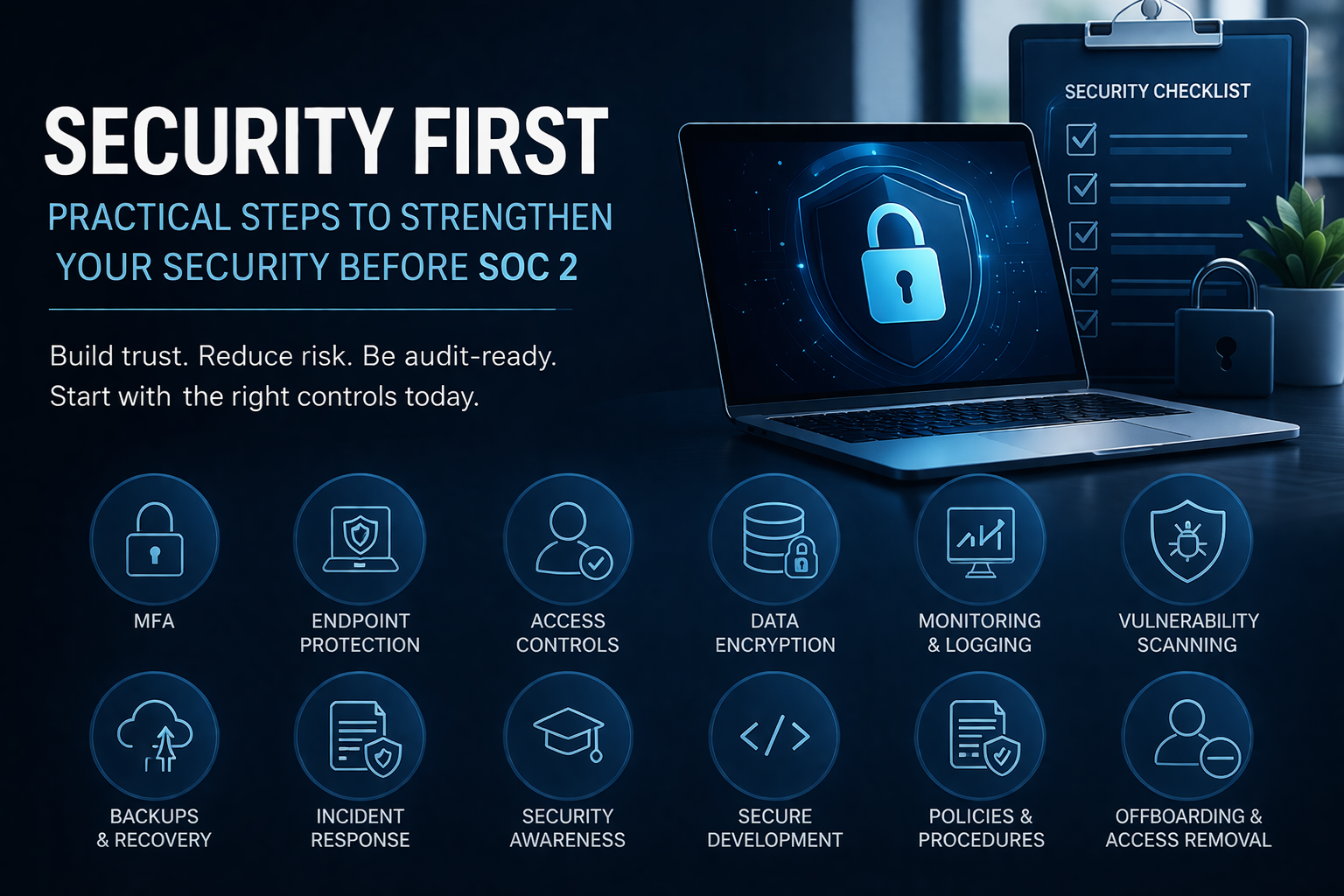
Below is a practical, security-first checklist for technology companies that want to move in the right direction before engaging in SOC 2.
Enable multi-factor authentication everywhere
If a system supports MFA, turn it on. Start with email, cloud admin portals, source control, VPN, password managers, and any system containing sensitive data. This is one of the most effective and straightforward security controls a company can implement.
Protect all endpoints
Laptops, desktops, and other company-managed devices should have centrally managed endpoint protection, disk encryption, automatic locking, and regular patching. If employees use mobile devices for work, those should also be considered in scope.
Limit access based on role
People should only have access to the systems and data they need to do their jobs. Admin rights should be restricted to a small number of authorized users. This reduces the risk of both mistakes and misuse.
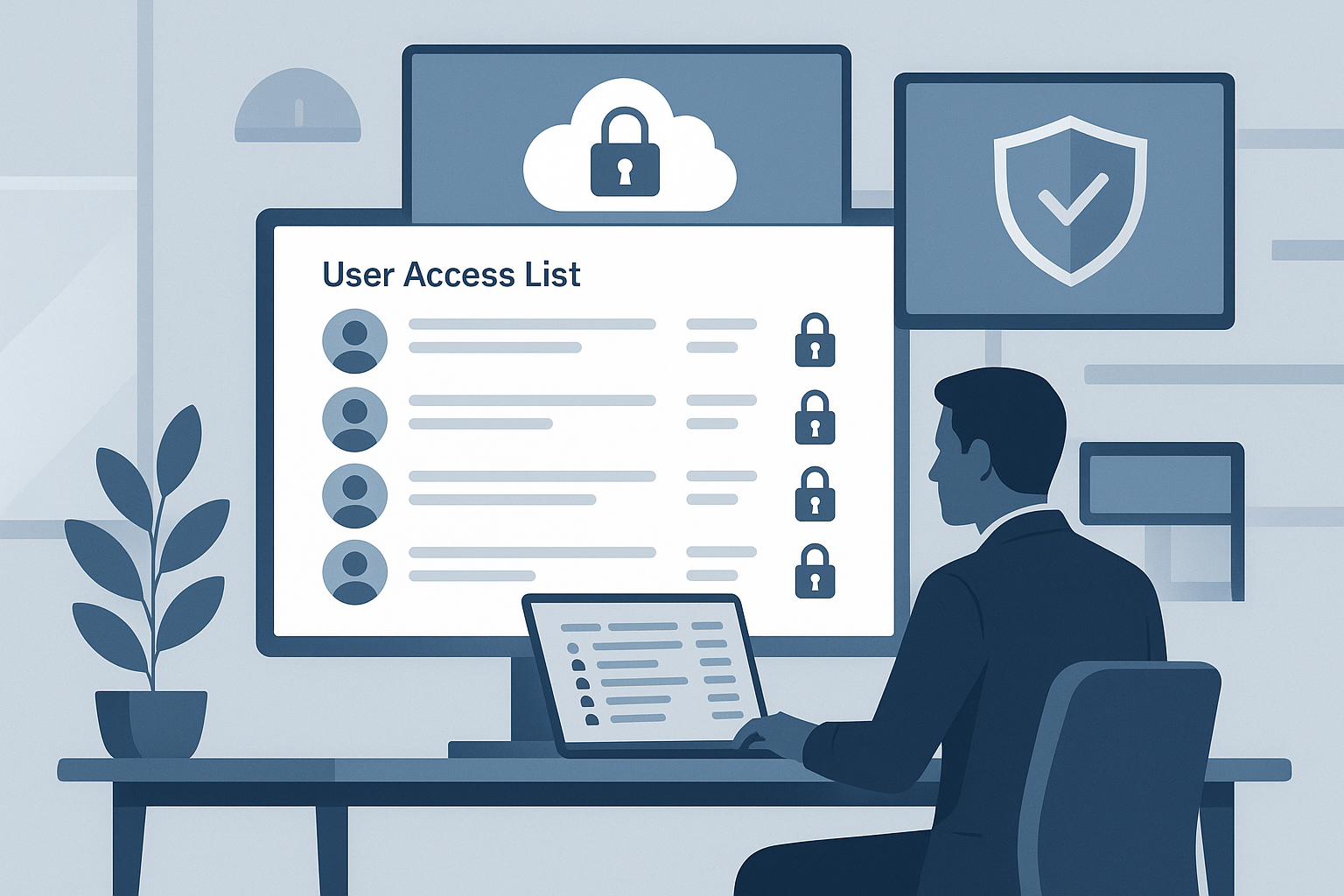
Review access regularly
Do not assume access remains appropriate over time. Review user access periodically, especially for privileged accounts, dormant accounts, contractors, and shared or service accounts.
Remove access quickly when people leave
Offboarding should include prompt removal of access to email, cloud systems, source control, production environments, laptops, badges, and any other business systems. This is a simple control that is often overlooked.
Encrypt sensitive data
Sensitive data should be protected in transit and at rest. For technology companies handling customer information, internal business data, or confidential code and documents, encryption should be treated as baseline practice.
Maintain an inventory of devices and systems
A company should know what assets it has. That includes laptops, servers, SaaS applications, cloud infrastructure, production systems, and important data stores. You cannot protect what you have not identified.
Classify important data
Not all information needs the same level of protection. Even a basic classification system such as public, internal, and confidential can help teams apply the right level of care to the right information.
Document how data moves
It is helpful to understand where important data comes from, where it goes, which systems process it, and who has access to it. This does not need to be overly complex. A clear diagram or simple internal record is often enough to start.
Set secure baseline configurations
Endpoints, servers, cloud environments, and other key systems should follow defined secure settings. This includes disabling unnecessary services, restricting software installation, tightening administrative access, and avoiding default configurations.
Patch systems on a regular schedule
A company should have a clear process for identifying, evaluating, approving, and deploying patches to operating systems, applications, and infrastructure. Delayed patching is one of the easiest ways for avoidable risk to remain in the environment.
Run vulnerability scans
Regular vulnerability scanning helps identify weaknesses before they become incidents. Scan internet-facing assets, servers, cloud environments, and other key systems. Findings should be tracked and addressed within defined timelines.
Use logging and monitoring
Important systems should generate logs, and meaningful events should be monitored. Focus first on authentication activity, administrative actions, failed login attempts, configuration changes, and suspicious behavior.
Create a simple incident response plan
Every technology company should have a documented process for responding to a security incident. This should include who is involved, how incidents are reported, how systems are contained, how decisions are made, and how communication is handled.
Back up critical systems and data
Backups are essential. Critical data should be backed up securely, and recovery should be tested periodically. It is not enough to assume backups are working.
Train employees on security awareness
Employees should know how to spot phishing attempts, use strong authentication, handle sensitive information properly, and report suspicious activity. Security awareness training does not need to be complicated, but it should be consistent.
Use basic background screening where appropriate
For roles with elevated access or exposure to sensitive systems and data, background checks may be a sensible part of hiring, subject to legal requirements and the nature of the role.
Technology companies should have a basic process for reviewing, testing, approving, and deploying changes to systems and software. This is especially important for production systems and customer-facing applications.
Secure the development process
Practical steps include code reviews, separation between development and production, limited production access, approval for sensitive changes, and clear deployment procedures.
Restrict software installation
The ability to install software should be limited to authorized individuals. This helps reduce malware risk, shadow IT, and unapproved tools entering the environment.
Use antivirus or anti-malware protection
Servers and endpoints should have anti-malware protection configured and maintained. This is a basic but still important security control.
Assess security risks periodically
Even if a company is not formally conducting SOC 2 readiness work yet, it should still step back periodically and ask: what are our biggest risks, where are we most exposed, and what do we need to improve first?
Create a small set of practical policies
A company does not need a huge policy library to get started. A short, practical set of policies around access control, acceptable use, incident response, change management, endpoint security, and data protection can go a long way.
A practical way to think about this
If a company is not ready for SOC 2 yet, that does not mean it should wait. It means it should start with the controls that are the most practical, most visible, and most useful.
For many technology companies, the best early wins are:
- MFA
- endpoint protection
- access reviews
- encryption
- vulnerability scanning
- logging and monitoring
- incident response
- backups and recovery
- employee security awareness training
- basic policies and procedures
- a public trust centre page
These are not just audit preparation tasks. They are sound security practices that strengthen the business now.
How J-SAS can help
Getting started is often the hardest part. Many companies know what they should be doing but struggle to organize, track, and maintain these controls in a consistent way.
J-SAS helps technology companies move from informal practices to a structured, audit-ready security program.
With ProtechSuite, we digitize the entire process so you can:
- track and manage your controls in one place
- assign ownership and maintain accountability
- document policies and procedures without the usual overhead
- stay on top of reviews, evidence, and ongoing requirements
- build toward SOC 2 readiness at your own pace
We also provide guidance and support through a compliance-as-a-service model, helping your team implement the right controls without overcomplicating the process.
The goal is simple: help you build a strong security foundation now, and make SOC 2 significantly easier when the time comes.
Final thought
Security maturity does not begin when the SOC 2 audit starts. It begins when leadership decides to put sensible controls in place, document them, and consistently follow them.
For technology companies, a trust centre page is a strong first step because it allows the company to communicate its commitment to security without needing to publish every internal detail. From there, the path becomes clearer: strengthen access controls, protect endpoints, improve monitoring, formalize incident response, and build the habits that will make a future SOC 2 process much easier.
Source
AICPA, 2017 Trust Services Criteria for Security, Availability, Processing Integrity, Confidentiality, and Privacy (with Revised Points of Focus – 2022)